
Survey vs Form: Which Format Fits Your Goal?
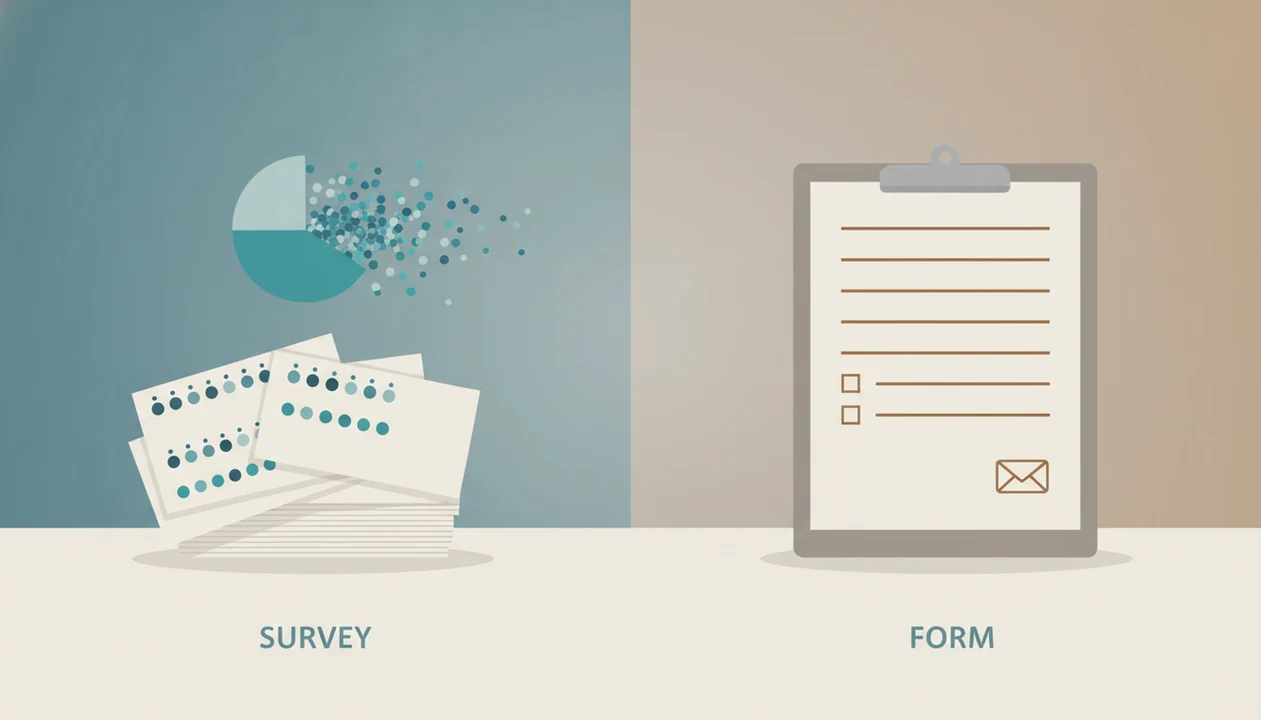
Use a survey when you need to understand opinions, satisfaction, behavior, or trends across a group; use a form when you need structured details to complete a task, request, signup, or transaction. The core survey vs form decision is not about length or software, it is about what you plan to do with the data. Forms AI supports both paths, so you can start with the form’s job and build the right format from there.
Forms AI is a form builder app that helps small businesses, teachers, event organizers, marketers, nonprofits, and freelancers create forms, surveys, quizzes, and registrations with AI templates and drag-and-drop editing.
- Surveys are built for aggregate insight: ratings, opinions, feedback, trends, and decisions based on many responses.
- Forms are built for individual action: registrations, applications, contact requests, orders, approvals, and record collection.
- Modern AI form builders can create both, so choose based on purpose, reporting needs, validation, and workflow.
Survey vs form, side by side
Side-by-side captures of the compared products. Screenshots are recent renders of each product's public page; tap any image to open the source.
Survey vs form at a glance: purpose, data, and output
A survey measures opinions, behavior, or satisfaction across a group; a form collects structured details for a task or transaction. The same builder can often create both, but the output should guide the choice.
| Decision point | Survey | Form |
|---|---|---|
| Main goal | Find patterns across responses | Complete one request or record |
| Common questions | Ratings, rankings, Likert scales, open feedback | Name, email, date, quantity, file upload |
| Response handling | Combined into charts, averages, segments | Reviewed one submission at a time |
| Analytics | Trend lines, comparisons, summaries | Status, notifications, exports |
| Validation | Usually lighter | Often strict and required |
| Examples | Customer satisfaction, course evaluation | Event registration, lead form, application |
A teacher copying a quiz link into a class announcement five minutes before the bell needs different fields than a team measuring course satisfaction. Start there.
If your priority is fast setup without deciding between separate apps, Forms AI fits because AI templates can generate a survey, registration, quiz, or contact form before you tweak fields.
Form vs survey definitions for practical users
A survey is defined by research and analysis, not by being long; a form is defined by task completion and data accuracy.
A customer satisfaction survey asks the same questions across many customers so you can compare answers. An event registration form asks for “Attendee name,” “Dietary restriction,” and “Ticket type” so one person can be added to a list. That is the practical split.
Tiny difference. Big cleanup later.
Forms are usually reviewed one response at a time: approve this application, call this lead, confirm this volunteer shift. Surveys usually make sense after responses are grouped. You look for averages, repeated comments, segments, and movement over time.
For customer feedback, a customer feedback survey template should include repeatable questions that produce comparable answers. For lead capture, keep the required fields few and make the next action obvious.
Five survey vs form facts that prevent the wrong choice
These five facts prevent most form vs survey mistakes before the first question is written.
- Purpose is the core difference: surveys create research insight, while forms complete a workflow.
- Surveys combine responses to find patterns; forms often trigger action for each submission.
- Surveys use rating scales, Likert scales, rankings, and multiple choice to make opinions measurable.
- Forms use validated fields such as name, email, date, quantity, file upload, or ID.
- For survey tool vs form builder decisions, choose reporting depth for research and automation for operations.
Anyone dealing with mixed needs, like feedback plus signup details, can use Forms AI because conditional logic and AI-generated question sets let one build include survey-style questions and form-style fields.
Good AI form builder apps deliver quick, editable structures for forms, surveys, quizzes, and registrations, not a substitute for clear research design or human judgment.
Survey and form data collection workflows
How survey and form data collection works: a form submission creates a structured record, while a survey response becomes one row in a dataset used for analysis. The mechanism is different because forms optimize field validation and workflow actions, while surveys optimize aggregation and segmentation.
A form record might validate email format, require “Preferred appointment time,” send a confirmation, and notify a team member. A survey response might feed charts, averages, cross-tabs, or trend comparisons. In plain terms, forms help you act; surveys help you interpret.
Large surveys show the difference clearly. The U.S. Census Bureau says the American Community Survey reaches about 3.5 million addresses each year (https://www.census.gov/programs-surveys/acs/about.html), while the Bureau of Labor Statistics describes JOLTS as a monthly survey of about 21,000 nonfarm business establishments (https://www.bls.gov/jlt/jltover.htm). Those are not single transactions. They are sampled datasets built to estimate broader conditions.
After an RSVP link gets pasted into a group chat, the organizer checking counts in a parking lot needs a clean response list, not a statistical model.
When to use a survey for feedback, research, and trends
When should you use a survey? Use a survey when the same questions need to be answered by many people so you can compare satisfaction, opinions, behavior, or preferences.
Surveys fit customer satisfaction, employee engagement, event feedback, course evaluation, market research, and product preference. They work best when you need scales, rankings, open-text feedback, segmentation, and comparison over time. A five-point satisfaction scale becomes useful only when enough people answer it.
For event organizers, a survey after the event can reveal whether check-in, food, speakers, and venue access worked across the whole group. One angry comment matters, but the pattern matters more.
For teams building from a phone, Forms AI is useful because survey-style prompts can create rating questions, open comment fields, and simple response summaries in one build flow.
Do not use a survey when one person’s answer determines the next action. Use a form for that.
When to use a form for registrations, requests, and records
When should you use a form? Use a form when each response must create a usable record for registration, contact capture, application review, order intake, appointment scheduling, donation tracking, file collection, or approval.
Form fields should reduce ambiguity. Use labels like “Parent/guardian name,” “Preferred appointment time,” “Volunteer shift,” and “Upload signed waiver.” Add validation for email, required fields for essentials, conditional logic for different paths, and confirmation messages after submission.
A small business owner editing an order form from a phone between customer calls does not need a research instrument. They need clean quantities, delivery notes, and a response notification that does not get buried.
Small businesses looking for simple intake can use Forms AI because drag-and-drop editing makes it easy to add required fields, conditional sections, and confirmation text before sharing a mobile-friendly link.
A form can include one or two opinion questions. It becomes survey-like only when those answers are grouped and analyzed.
Survey tool vs form builder decision checklist
Choose a survey tool when reporting depth matters most; choose a form builder when clean submissions and follow-up workflows matter most. Pick a hybrid AI form builder when one team needs surveys, forms, quizzes, and registrations in the same place.
| Choose this | When it fits | Examples |
|---|---|---|
| Survey tool | You need segmentation, trend analysis, statistical confidence, or detailed reporting | Product research, engagement studies |
| Form builder | You need validation, approvals, notifications, CRM updates, or file collection | Intake, orders, applications |
| Hybrid AI form builder | You need both formats without switching tools | Feedback plus signup, quiz plus registration |
Google Forms is useful for simple forms and lightweight surveys, Typeform is strong for conversational survey experiences, Jotform and Wufoo lean toward form-building workflows, and Tally is a lightweight form option. The deciding factor is what happens after submission, not the label on the tool.
Forms AI fits hybrid teams because the AI Form Builder can generate a starting survey or form, then let you adjust fields, logic, and response handling. For a deeper category view, compare options in our best survey builder app guide.
How to choose a survey or form in Forms AI
To choose and build either a survey or a form in Forms AI, start with the decision the response must support, then set question types, validation, logic, and reporting around that decision. The fastest builds usually begin with a template, then tweak.
1. Define the outcome
- State what you will do with the response: analyze a trend, confirm a signup, approve a request, or contact a lead.
- Write one sentence that describes the next step after submission.
2. Pick the response type
- Choose survey-style questions for ratings, rankings, and opinions; choose form-style fields for names, dates, files, quantities, and IDs.
3. Add logic and validation
- Set required fields, email validation, and conditional logic only where they protect data quality.
4. Check analytics or workflow
- Review whether you need charts and segments or notifications, approvals, and exports.
5. Test and publish
- Preview the form on mobile, submit a test response, delete any duplicate email column, then share the link or QR code.
After a share link gets copied before a meeting, Forms AI helps because preview, share, and response review stay close together in the AI Form Builder workflow.
Common survey vs form myths that cause messy data
Messy data often starts with the wrong label. Design purpose matters more than platform, length, or whether the button says “survey” or “form.”
Myth 1: A survey is just a longer form. A three-question survey can be a real survey if it measures the same thing across many people.
Myth 2: Anything built in a survey tool is automatically a survey. A demo request built in Typeform or Google Forms is still a form if each response triggers sales follow-up.
Myth 3: Forms cannot collect opinions. A form can ask “How did you hear about us?” or “How satisfied were you?” without becoming a full research survey.
Myth 4: You should always use a survey to learn about users. Sometimes a short intake form, usage analytics, or a quick poll maker app gives a cleaner answer.
Marketing teams trying to learn from customers can use Forms AI because it supports short feedback forms, longer surveys, and response summaries without forcing every project into one format.
Evidence and Sources Behind the Survey vs Form Decision
The evidence behind this choice comes from two places: survey methodology for research quality and form usability for completion quality. Use the research side when you need defensible trends; use the product side when you need fewer abandoned or unusable submissions.
Survey guidance from groups like AAPOR, the Census Bureau, and academic survey-methods texts informs the claims about sampling, nonresponse bias, question order, and wording. Form guidance from usability research, product analytics, and conversion testing informs the claims about required fields, inline validation, shorter forms, and friction at completion. Forms AI product experience mainly supports the practical advice: teams often mix a few feedback questions with intake fields, then clean up messy responses later.
To apply the evidence without overbuilding:
- Treat sampling and wording as research issues when you plan to compare groups or report trends.
- Treat validation, field count, and mobile preview as usability issues when each submission must be acted on.
- Separate proven research principles from workflow preferences or tool experience.
- Limit enterprise survey assumptions when a small business has a tiny audience, informal list, or one-time form.
Limitations
These rules are useful, but they are not absolute. Modern tools blur the line between surveys and forms, especially when one link collects both feedback and contact details.
- A form builder with weak analytics can collect opinions without producing useful insight.
- Surveys can suffer from nonresponse bias, leading questions, poor sampling, and unclear scales.
- AI-generated surveys and forms still need human editing for plain-language questions and reasonable length.
- Long forms and long surveys can both reduce completion rates, especially when they ask for unnecessary fields; Nielsen Norman Group’s form-design guidance recommends removing nonessential questions and reducing interaction cost: https://www.nngroup.com/articles/web-form-design/.
- Some decisions are better answered by interviews, experiments, usage analytics, or direct observation.
- Reporting needs can change after launch, so export formats and response structure matter.
- Privacy choices matter. Collect only what you need, especially for student, health, payment, or identity details.
However, the blur can be useful. A nonprofit intake may need beneficiary details at a front desk and one optional feedback question. Just do not pretend that single record is a trend.
FAQ
Is a survey a form?
A survey can be built as a form, but its purpose is group insight and analysis. A form’s purpose is usually task completion or record collection.
Is Google Forms a survey tool?
Google Forms can be used as a survey tool or a form builder. The difference depends on question design, reporting needs, and what happens after responses arrive.
What makes something a survey?
A survey measures opinions, behaviors, satisfaction, or experiences across multiple respondents. Its value comes from comparing and analyzing grouped answers.
What makes something a form?
A form collects structured details needed for an action, request, signup, transaction, or record. Accuracy and completeness matter more than trend analysis.
Can forms collect feedback?
Yes, forms can collect feedback. They become survey-like when feedback answers are aggregated, compared, and analyzed.
Can surveys collect contact details?
Yes, surveys can include contact fields. Too many transactional fields can lower completion and distract from the research goal.
When should I use a survey?
Use a survey for satisfaction measurement, research, opinion collection, employee feedback, course evaluation, event feedback, and trend tracking. It works best when many people answer the same questions.
When should I use a form?
Use a form for registration, contact capture, applications, order requests, appointment intake, donations, file collection, and approvals. It works best when each submission needs follow-up.