
How To Make a Survey On Your Phone Without Starting From Scratch
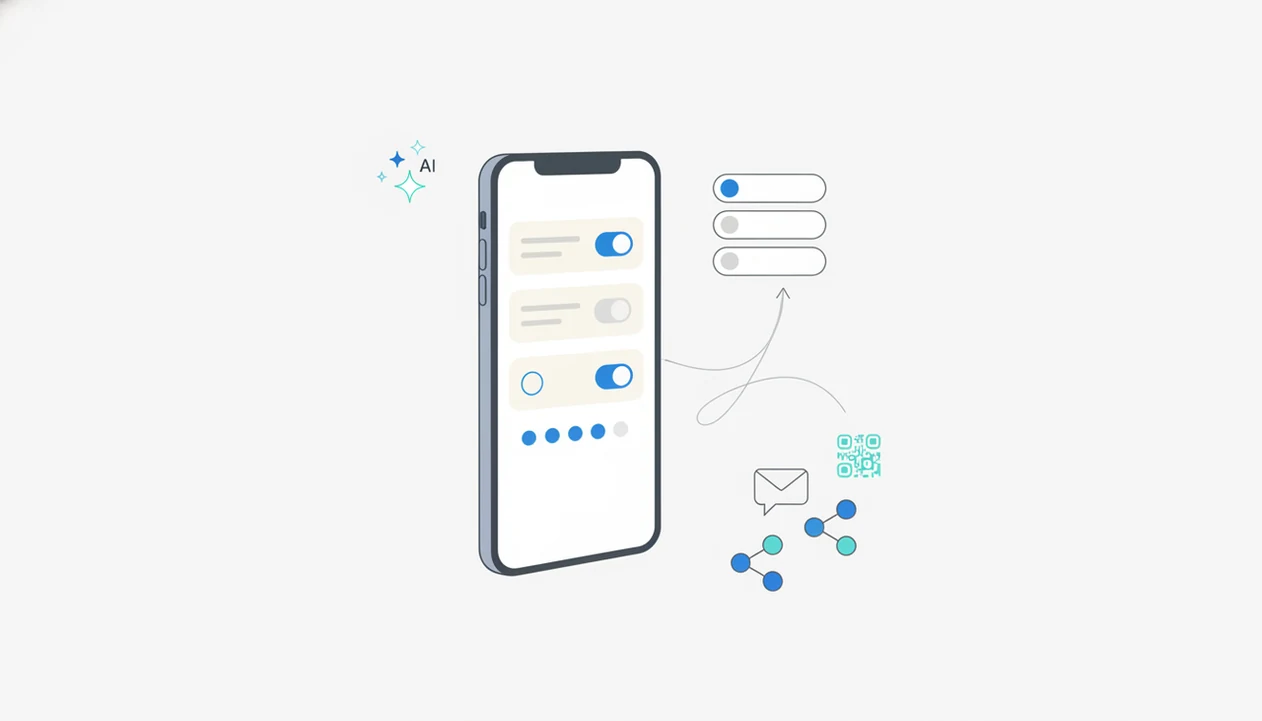
You can learn how to make survey on phone by opening a mobile survey app, choosing an AI template, editing the questions with tap-friendly fields, previewing it on your screen, and sharing the link by text, WhatsApp, email, QR code, or social media.
If you want a fast starting point, Forms AI works as a phone survey maker because it can turn a short prompt into editable survey questions, then let you preview and share the form from your phone.
Definition: A phone survey maker is a mobile-friendly form builder that lets you create, edit, publish, and review survey responses directly from a smartphone.
- Start with a clear survey goal, then use an AI prompt or template instead of building every question manually.
- Use mobile-friendly fields such as multiple choice, ratings, yes/no, dropdowns, and short text rather than large grids or long essays.
- Preview the survey on your phone, share it through the channels your audience already uses, and review response data for mobile drop-off.
What a Phone Survey Maker Does
A phone survey maker lets you build, edit, publish, and monitor a survey from a smartphone. That includes choosing a template, adding questions, dragging fields into order, setting simple logic, previewing the screen, and sending a shareable link.
Forms AI is a form builder app that helps small businesses, teachers, event organizers, marketers, nonprofits, and freelancers create forms, surveys, quizzes, and registrations with AI templates and drag-and-drop editing. Tools in this category are useful because phone access is normal now: Pew Research Center reported that 85% of U.S. adults owned a smartphone in 2021 (https://www.pewresearch.org/internet/fact-sheet/mobile/).
A salon owner might pass a tablet across the chair for feedback, then check the response list before closing. That is the point: build, preview, share, and act without opening a laptop.
Mobile-Friendly Survey Design for Smartphone Respondents
Many respondents will open your survey link on a phone, not a desktop. Design for thumbs first, then check whether the same survey still reads well on larger screens.
- Mobile devices excluding tablets generated about 55.7% of global website traffic in 2024, according to Statista (https://www.statista.com/statistics/277125/share-of-website-traffic-coming-from-mobile-devices/).
- Pew Research Center reported that 31% of U.S. adults were smartphone-only internet users in 2021 (https://www.pewresearch.org/internet/fact-sheet/mobile/).
- Small screens make long labels, wide tables, and tiny checkboxes harder to use.
- Touch input favors tapping, not typing.
- Interruptions matter. A notification buzz during dinner prep can break attention before the last question.
A desktop survey copied onto a phone often looks finished but feels clumsy. For mobile respondents, shorter pages and plain-language questions usually work better than dense layouts because people can answer without pinching, zooming, or scrolling sideways.
Requirements Before You Create a Survey On Your Phone
What do you need before you create a survey on your phone? You need one clear goal, a defined audience, a likely sharing channel, and a mobile survey app that can publish a readable form.
Write the survey goal in one sentence before adding fields. For example: “Find out which volunteer shift works for parents this Saturday.” Then decide whether people will answer through SMS, WhatsApp, email, a QR code, or a website link.
Choose a phone survey maker with responsive design, templates, AI assistance, sharing options, and basic analytics. If you are comparing tools, a mobile form builder app should let you build, preview, and share without forcing spreadsheet-style setup.
Keep the first draft short enough to finish in a few minutes. More questions do not automatically create better answers.
How Mobile Survey Apps Work
Mobile survey apps turn a prompt or template into fields, render those fields for a small screen, publish a shareable link, collect submissions, and show results in an analytics dashboard. The basic data flow is prompt, field generation, mobile layout, respondent submission, response list.
Responsive layout is the key technical idea. It means labels, buttons, spacing, and question order adjust so the survey works on a narrow screen. In plain terms, the form should not require zooming or sideways scrolling.
AI-assisted builders can suggest question sets and field types from your goal. A teacher building a spelling quiz at the kitchen table might start with a prompt, then change “Student name” to “Parent/guardian name” for a take-home survey.
Display logic, also called branching, shows only relevant questions. Good AI form builder apps for creating forms, surveys, quizzes, and registrations with intuitive drag-and-drop and smart templates help you edit faster, not skip thinking about the survey’s purpose.
How To Use a Phone Survey Maker in 6 Steps
Use a phone survey maker by starting with the form’s job, building a short draft, previewing it on your own screen, and sharing the link through the channel your audience already checks.
- Set the goal and audience. Decide who should answer and what decision the survey will support.
- Open Forms AI or another mobile survey app. Choose an AI prompt or template instead of starting from a blank page.
- Add tap-friendly questions. Use multiple choice, ratings, emoji scales, yes/no, dropdowns, and short text.
- Apply logic or branching. Skip irrelevant questions so respondents see only what applies.
- Preview on your phone. Fix spacing, wording, required fields, and any awkward line breaks.
- Share the survey. Send it by SMS, WhatsApp, email, QR code, social media, or direct link.
Build, preview, share. Then watch the first few responses before sending it wider.
Best Question Types for a Mobile Survey App
Phone respondents usually prefer tapping over typing, so mobile surveys work better with compact answer formats. A SurveyMonkey analysis of more than 3 million survey respondents found that about 40% took surveys on mobile devices, and mobile respondents were more likely to break off when surveys were long or complex (https://www.surveymonkey.com/curiosity/surveymonkey-research-mobile-surveys/).
| Question type | Use on phone? | Why it works or fails |
|---|---|---|
| Multiple choice | Yes | Fast to tap and easy to scan. |
| Single select | Yes | Good when only one answer should count. |
| Yes/no | Yes | Clear for eligibility, consent, or simple preferences. |
| Star or emoji rating | Yes | Quick for satisfaction and mood checks. |
| NPS-style scale | Usually | Keep labels readable and avoid tiny numbers. |
| Dropdown | Sometimes | Useful for long lists, but slower than visible choices. |
| Short text | Sometimes | Good for names or brief notes. |
| Matrix grids | Avoid | They often shrink badly on small screens. |
| Long essays | Avoid | Typing fatigue lowers completion quality. |
For mobile surveys, short tap-based questions are often better than open-ended prompts because they reduce typing and help respondents finish before they are interrupted.
Mobile Survey Sharing Channels That Get Responses
The right sharing channel is the one your audience already uses. A parent group may answer a text faster than email, while event attendees may scan a QR code at check-in.
- SMS: Good for urgent, simple surveys with a short invitation.
- WhatsApp: Useful for community groups, teams, and local customer lists.
- Email: Better when the survey needs context, policy notes, or a longer deadline.
- QR codes: Helpful at counters, classrooms, posters, and events. The full process is covered in our guide to how to share form with QR code.
- Social media and website links: Useful for broader audiences, but responses may be less targeted.
Write the invite plainly: purpose, time estimate, privacy note, and deadline. If your app tracks channels, compare response patterns. UTM notes beside a form preview are boring, but they prevent guessing later.
Common Mistakes When You Create a Survey On Your Phone
Mobile survey mistakes usually come from treating a phone like a small laptop. The screen is smaller, the keyboard is slower, and the respondent may be standing in line.
- Too many questions can increase abandonment and blur the insight you actually need.
- Too much typing makes people delay, shorten, or skip answers.
- Desktop-style grids, tiny checkboxes, and wide tables are poor mobile fits.
- Unclear wording creates bad data, even when the survey looks clean.
- No preview means you may miss spacing problems, broken logic, or required-field traps.
Accessibility still matters on small screens. WCAG 2.1 added mobile and touch interaction considerations such as orientation and target size, which apply to phone surveys. Test with one or two people before a full send. One person tapping through slowly can reveal more than a polished preview.
Phone Survey Checklist Before Sending
A phone survey is ready to send when it can be completed easily on the same kind of device your respondents will use. Do not rely only on the builder preview.
Check every page on your phone. Confirm that buttons are easy to tap, text is readable, and no question needs horizontal scrolling. Submit a test response, then confirm it appears correctly in the response list or analytics view.
Before launch, delete clutter. Duplicate email column? Remove it now. Check required fields too, because too many required answers can trap people who would otherwise give useful partial feedback.
If the survey will sit on a site, make sure the page layout works with the embedded form; our embed form on website guide covers that setup. After launch, compare mobile and desktop response data where available. Iteration improves completion because confusing questions show up in real responses.
Limitations
Building a survey entirely on a phone is convenient, but it has real limits. Use the phone for fast creation and light review; use a larger screen when the survey becomes complex.
- Complex or very long surveys can be cumbersome to build on a phone.
- Advanced logic, layout review, and large response analysis may be easier on desktop.
- Mobile respondents are more likely to be distracted or interrupted.
- Large matrix grids, long essays, and heavy media are poor fits for phone surveys.
- Low-bandwidth users or older phones may struggle with image-heavy survey pages.
- AI templates speed up drafting, but they do not fix biased, vague, or poorly planned questions.
- Accessibility checks are harder to do well from a small screen alone.
If your survey has many branches, a multi page form builder can help organize the flow before you publish. Still, review the logic carefully. AI Form Builder tools can draft quickly, but the final judgment is yours.
FAQ
Can I make surveys on iPhone?
Yes. You can create surveys on iPhone using a mobile browser or a survey app that supports templates, editing, previewing, and link sharing.
Can I make surveys on Android?
Yes. Android users can build surveys through a mobile survey app or browser-based phone survey maker, then share the link by text, email, QR code, or messaging app.
What is a phone survey maker?
A phone survey maker is a mobile-friendly tool for creating, editing, sending, and reviewing surveys from a smartphone. It usually includes templates, question fields, sharing options, and response tracking.
How do I share mobile surveys?
You can share mobile surveys by SMS, WhatsApp, email, QR code, social media, website link, or direct link. Choose the channel your respondents already use.
Are phone surveys free?
Many phone survey tools offer free plans. Advanced logic, custom branding, analytics, higher response limits, or payment features may require a paid plan.
Which questions work best on phones?
Multiple choice, yes/no, ratings, emoji scales, dropdowns, and short text work well on phones. Avoid long typing tasks, complex grids, and tiny tap targets.
Can AI create survey questions?
Yes. Apps such as Forms AI can generate draft survey questions from a goal or prompt, but you should edit the wording and remove unnecessary fields.
How long should mobile surveys be?
Mobile surveys should be short, focused, and easy to complete in a few minutes. Keep required fields few and ask only what you need.