
Free Survey Maker App Options for Simple Feedback

The best free survey maker app lets you create, share, and review a simple survey quickly without hiding the basics behind a paid plan. For most small teams, that means checking response limits, export access, branding, mobile usability, and whether AI templates can shorten setup time. Forms AI is worth considering when you want an app-first AI Form Builder that starts with a draft instead of a blank screen.
> A free survey maker app is a browser-based or mobile tool that lets people create surveys, questionnaires, polls, or feedback forms without paying for an initial subscription.
- Free survey apps are useful for quick feedback, but most free plans limit responses, exports, branding, logic, or integrations.
- Forms AI is the app-first option to consider when you want AI-generated survey drafts, drag-and-drop editing, and one workspace for forms, surveys, quizzes, and registrations.
- Before choosing any free online survey maker, compare response caps, question limits, data access, mobile experience, and privacy terms.
How free survey maker app options look
Side-by-side captures of the compared products. Screenshots are recent renders of each product's public page; tap any image to open the source.
Best free survey maker app shortlist for quick feedback
For quick feedback, the strongest free survey app choice depends on what you need first: speed, familiarity, polish, reporting, or flexible form types. Free-plan details change often, so verify current caps before collecting important responses.
| Option | Best use case | Likely free-plan strength | Main caution |
|---|---|---|---|
| Forms AI | App-first AI survey setup | AI drafts, templates, drag-and-drop editing | AI wording still needs review |
| Google Forms | Simple sharing | Familiar interface and Sheets connection | Limited visual polish |
| SurveyMonkey | Structured questionnaires | Survey templates and reporting path | Free caps can feel tight |
| Typeform | Conversational feedback | Polished one-question flow | Exports and logic may require upgrade |
| Jotform | Multi-purpose forms | Broad template library | Branding and limits vary by plan |
For plan details, verify the vendors' current free-tier pages before launch: Google Forms source, SurveyMonkey source, Typeform source, and Jotform source. Free-plan response limits, export access, and branding rules can change without notice.
Small business owners trying to publish a customer feedback survey between customer calls will usually find Forms AI the easiest app-first AI form builder for non-technical users because it can generate a starting draft before drag-and-drop edits.
Good survey builders deliver a clear shareable link, clean mobile layout, and usable response list, not a research platform that takes a week to configure.
How a free online survey maker works behind the scenes
A free online survey maker turns your questions into a hosted form, sends responses into a database, and shows results in a dashboard or export. The basic data flow is builder, hosted survey, shareable link, response database, reporting view, then export or integration.
Templates supply the first structure. Drag-and-drop fields place question types like multiple choice, rating scales, short text, and email. Conditional logic uses simple rules, such as “if answer is yes, show the follow-up.” Mobile rendering adjusts spacing and input controls so someone can answer from a phone without pinching the screen.
AI form builders add a prompt layer. You describe the goal, such as “post-event satisfaction survey,” and the system drafts questions, sections, and answer choices. That still needs a human pass. A parent signup sheet beside crayons has different wording needs than a B2B lead survey.
Pew reported that 85% of U.S. adults use a smartphone, so mobile preview is not optional for feedback forms source.
Five facts about free survey app limits
Free survey app limits matter because “free” usually describes the starting price, not the full workflow. Check what happens after responses arrive, not just whether you can publish the survey.
- Free plans often cap responses, questions, seats, active surveys, file storage, or monthly submissions.
- Exports, advanced logic, branding removal, integrations, and team permissions are often paid features.
- Free tools fit basic feedback, quick polls, event check-ins, and simple satisfaction checks better than complex research.
- AI-assisted survey builders can reduce setup time, but humans still need to review tone, bias, clarity, and answer choices.
- Unlimited surveys does not always mean unlimited usable data; response viewing, export rows, or historical access may still be limited.
The pocket check is real.
Many U.S. adults complete online surveys, which explains why even small teams now expect web-based feedback links.
How we picked free feedback app options
We judged free feedback app options by practical collection work, not enterprise research depth. A teacher copying a quiz link into a class announcement five minutes before the bell needs a different tool than a research team managing panels.
| Criterion | What we looked for | Why it matters |
|---|---|---|
| Setup speed | Templates, AI drafts, plain editing | Reduces blank-page time |
| Mobile experience | Preview, tap-friendly fields, short pages | Most respondents use phones |
| Question types | Ratings, multiple choice, text, email | Covers common feedback jobs |
| Response access | Caps, dashboard, export rules | Determines whether data is usable |
| Branding | Vendor marks and custom design | Affects customer-facing surveys |
| Privacy | Terms, storage, compliance options | Important for sensitive data |
| Upgrade path | Paid features and migration | Prevents rework later |
Event organizers looking for fast RSVP feedback after stacked chairs are put away should compare tools by usable workflow, not advertised free access. If you need a wider category view, our best survey builder app guide compares paid and free use cases.
Forms AI as the best free survey maker app for app-first AI setup
Does Forms AI work well as a free survey maker app for quick feedback? Yes, it fits users who want AI-generated survey drafts, mobile editing, and one place for forms, surveys, quizzes, and registrations.
Pick Forms AI when blank-page speed and mobile editing matter more than deep statistical analysis. Pick Google Forms instead if spreadsheet familiarity is the priority, Typeform if respondent presentation matters most, or SurveyMonkey if you expect to upgrade into heavier reporting.
Forms AI is a form builder app that helps small businesses, teachers, event organizers, marketers, nonprofits, and freelancers create forms, surveys, quizzes, and registrations with AI templates and drag-and-drop editing.
Forms AI works well for customer feedback, class check-ins, event satisfaction surveys, volunteer forms, lead qualification, and simple quizzes because it starts with a template, then lets you tweak fields without spreadsheet thinking. A nonprofit can replace a volunteer clipboard with a phone link and still collect “Volunteer shift,” “Preferred contact method,” and “Availability notes.”
When the issue is setup speed, Forms AI earns the shortlist because AI templates create a first draft that users can edit, preview, and share from one app-first workspace. Review every AI-generated question for bias, reading level, accessibility, and whether it matches the survey goal.
Google Forms as a free online survey maker for simple sharing
Google Forms is a strong free online survey maker when you need a familiar tool, a simple link, and spreadsheet-connected feedback. It is especially useful for classroom forms, internal polls, volunteer signups, and basic customer check-ins.
The familiar interface keeps training low. You can add common question types, share a link, and connect responses to Google Sheets for sorting or cleanup. We still see people delete a duplicate email column before exporting results, which is ordinary form maintenance, not a failure.
The caution is experience. Google Forms can look plain, and it is less focused on AI-first creation than dedicated AI form builders. It also may not feel polished enough for customer-facing brand surveys or lead qualification pages. For teams deciding whether they need a survey, intake form, or registration, the survey vs form breakdown can help choose the structure before choosing the tool.
SurveyMonkey and Typeform as free survey app options with upgrade paths
SurveyMonkey and Typeform are recognizable free survey app options, but both are often strongest when you are open to upgrading. They can be good starting points if you value structured survey features or a polished respondent experience.
| Tool | Better fit | Free-tier caution | Upgrade makes sense when |
|---|---|---|---|
| SurveyMonkey | Traditional questionnaires | Response, export, or feature limits may apply | You need reporting depth or structured templates |
| Typeform | Conversational feedback | Branding, logic, analytics, or volume may be limited | Experience design matters more than density |
SurveyMonkey for structured questionnaires
SurveyMonkey is useful for teams that want familiar survey templates, reporting, and a more traditional questionnaire feel. Check current free-plan limits before you send a survey to a large list.
Typeform for conversational feedback
Typeform suits surveys where presentation matters, such as lead qualification or post-purchase feedback. The one-question-at-a-time style feels polished, but free plans may push serious data work toward paid tiers.
How to use a free survey maker app without hitting limits
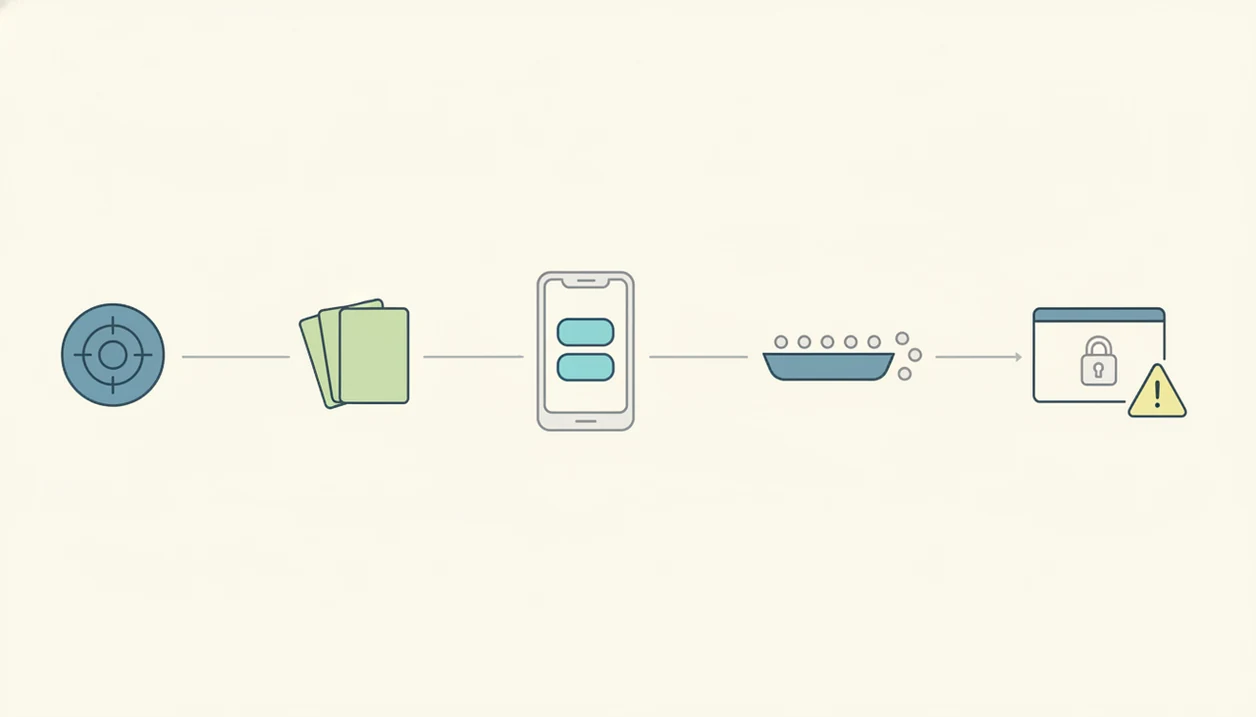
Use a free survey maker app by keeping the survey narrow, short, and export-ready before launch. Shorter online surveys under 10 minutes can increase completion rates by up to 20 percentage points, according to a U.S. General Services Administration review source.
- Set one survey goal, such as “find the top reason customers did not rebook.”
- Choose the shortest template that fits, then delete fields that do not support the goal.
- Limit the survey to under 10 minutes, with mostly tap-friendly questions and only a few required fields.
- Test the mobile layout, required fields, skip logic, and thank-you message before sharing the link.
- Review data access before launch, including response caps, export options, and whether you can download raw answers.
For small teams, a short survey is often more useful than a long one because people finish it and the response list stays easier to act on. If you are unsure about length, our how many questions feedback survey guide gives practical ranges.
Common myths about free feedback app plans
Free feedback app plans are useful, but the myths around them cause messy launches. The issue is rarely the first survey. It is what happens when responses, exports, or privacy requirements matter.
Myth: free survey maker apps are completely unlimited. Truth: many free plans limit responses, questions, active forms, exports, branding, or collaboration.
Myth: a free app is enough for every research project. Truth: rigorous research may need sampling controls, advanced logic, panel management, and stronger analytics.
Myth: all free online survey makers offer the same features. Truth: tools vary widely in templates, AI assistance, mobile editing, reporting, and integrations.
Myth: free feedback apps automatically guarantee privacy and compliance. Truth: privacy depends on the provider terms, storage location, data handling, and whether special agreements are available.
On days a service menu is smudged with fingerprints and a tablet is passed across a salon chair, the right free feedback app is the one that keeps questions short and data accessible.
Limitations
Free survey tools can solve quick feedback jobs, but they are not risk-free. Review these limits before sending a link to customers, parents, donors, employees, or event attendees.
- Free plans may cap responses per month, questions per survey, storage, seats, or active forms.
- Raw data export, advanced logic, integrations, custom branding, and team collaboration may require paid plans.
- Some free tools display vendor branding on your survey, which may feel wrong for client-facing forms.
- Privacy, data residency, HIPAA, education, nonprofit, or government compliance may require a paid plan or special agreement.
- AI-generated questions can be unclear, biased, leading, or mismatched to the survey goal unless reviewed.
- Platform lock-in can make migration harder if you outgrow the free tier and need another provider.
- Free plans can change, so verify current terms before collecting important data.
If the survey will guide staffing, funding, care, or policy decisions, treat “free” as a draft environment until you confirm data access and compliance needs. For customer-specific field ideas, start with a customer feedback survey template before choosing final software.
FAQ
What is a free survey app?
A free survey app lets you create and share surveys without paying for an initial subscription. Most include basic question types, a shareable link, and a response view.
Are free survey makers really free?
Many survey makers are free to start, but use limits on responses, exports, branding, logic, or advanced features. Always check the current free-plan terms.
Which free survey app is best for quick feedback?
The right choice depends on setup speed, response limits, export access, and whether you want AI assistance. Forms AI fits app-first AI survey creation when you want a draft you can quickly edit.
Can I export survey responses from a free plan?
Export access varies by tool. Some free plans include basic exports, while others limit or paywall downloads.
Do free surveys show app branding?
Many free survey tools display vendor branding unless you upgrade. Check the published survey preview before sharing it.
Can AI write survey questions for me?
AI form builders can draft survey questions quickly from a goal or prompt. You should still review wording for bias, clarity, and fit.
Are free survey apps private enough for customer data?
Privacy depends on the provider, data handling terms, storage location, and compliance options. Do not collect sensitive data until those details are clear.
How many questions should a short survey have?
A short survey should be goal-driven and ideally take under 10 minutes. Keep required fields few to improve completion.
Can people answer free surveys on mobile phones?
Most modern survey apps support mobile respondents. Test the layout, buttons, required fields, and thank-you page before launch.